Why modern radios still matter
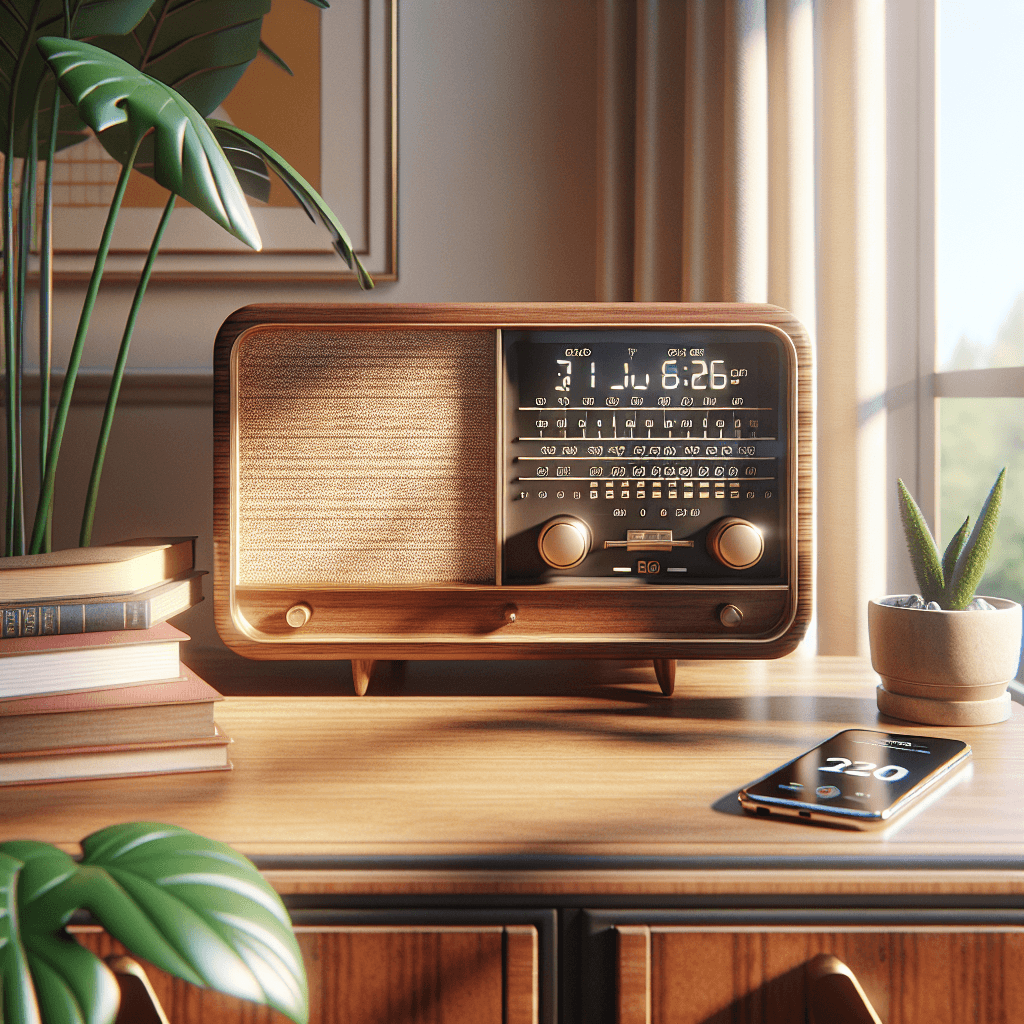
In the electronics and appliances category, radios remain surprisingly relevant. The way we listen has broadened, not vanished: alongside streaming apps, broadcast radio still delivers trusted news, curated music, and effortless discovery without logins or subscriptions. Brands like Roberts, available via robertsradio.com, have leaned into this reality by combining classic design with modern connectivity. The result is a product type that suits kitchens, bedrooms, home offices, and garden spaces—places where you want quick access to audio with minimal fuss. For many listeners, the choice is not whether to own a radio, but which format mix best fits daily routines: DAB/DAB+ for digital broadcasts where available, FM for legacy stations and local coverage, and Wi‑Fi or internet radio for global stations and podcasts. If you’re exploring the market, you can browse models at robertsradio.com to see how those options come together in different sizes and styles. Choosing a radio today is partly about connectivity, but it’s also about how the device looks and behaves in your space. Roberts’ heritage designs—often inspired by mid‑century forms—blend easily into both traditional and modern rooms. That matters because a radio is typically visible and used by multiple people. Big, easily labeled controls can make morning routines simpler; a clear display helps when you’re across the room; and a stable tuner means fewer dropouts or retunes. Portability also enters the picture. If you want music on the patio or in the garden, a compact, battery‑powered model can travel with you. If your radio will live on a sideboard, mains power, a fuller soundstage, and stronger bass might be priorities. There’s also the question of how you will use additional features. Many modern radios double as Bluetooth speakers for casual streaming from a phone or laptop. Others include Wi‑Fi for internet radio, podcast aggregation, and app control. Alarms and sleep timers turn a bedside unit into a reliable companion, while kitchen‑friendly designs emphasize splash resistance, wipe‑clean surfaces, and quick preset access. In short, a modern radio sits at the intersection of utility and style: it’s an appliance you can rely on and an object you’ll see every day. As you consider options from robertsradio.com, keep your typical listening scenarios in mind—waking up to news, cooking with a music backdrop, focused listening in a study—so the features you choose will genuinely enhance your routine.
Key formats and features explained
Start with formats, because they define what you can hear. DAB and DAB+ are digital broadcast standards used in many regions; DAB+ is more efficient and allows stations to deliver better audio at lower bitrates. If you live in a country with DAB+ services, choosing a device that supports DAB+ ensures access to the widest selection. FM remains valuable, especially for local stations and areas with limited digital coverage. Internet radio via Wi‑Fi opens global access, often with station directories and genres that make discovery straightforward—just be aware it relies on your home network. Some models also integrate podcast browsing and on‑device search, which can reduce your dependency on a phone. Connectivity is next. Bluetooth turns your radio into a convenient wireless speaker: you can stream from a phone, tablet, or laptop without extra setup. If you plan to use Bluetooth daily, look for reliable codecs and simple pairing behavior. For Wi‑Fi models, check if they support 2.4 GHz and 5 GHz networks and whether there is an app for setup, presets, and updates. Ethernet is rare on compact radios but can be useful for fixed locations with challenging Wi‑Fi. Multiroom functionality appears on some connected models, letting you group speakers around the house for synchronized playback. Sound quality depends on driver size, enclosure design, and tuning. Larger cabinets usually allow a fuller, more relaxed sound, while compact units emphasize clarity and intelligible vocals at lower volumes. If you listen to talk radio or podcasts, prioritize a clear midrange. If you want background music for cooking or entertaining, a warm balance and wide dispersion can fill the room more evenly. An adjustable EQ or tone controls can help adapt the sound to your space—handy in hard, reflective kitchens versus softer, carpeted rooms. Power and portability shape daily convenience. Mains‑only radios suit fixed positions and typically deliver stronger output. Battery‑capable models range from AA-powered units (easy to swap, less optimal for heavy use) to built‑in rechargeable packs (more convenient but require occasional charging). A published battery life estimate is useful, but real‑world endurance depends on volume, station type, and whether Wi‑Fi or Bluetooth is active. Finally, look at usability: displays that remain legible off‑axis, tactile knobs and buttons, and preset access for one‑tap listening. Alarms, snooze, and sleep timers add value in bedrooms. Kitchen timers, ambient light sensors, and simple menus keep friction low. To compare specifics side by side, you can see features across current models and match them to how you listen day to day.
Practical setup and buying checklist
Before you purchase, confirm your listening environment and coverage. If you plan to use DAB/DAB+, check local digital radio availability; a simple postcode lookup on a national broadcaster’s site or a quick test with an existing device can help. FM reception varies with building materials and location, so consider a radio with an external or adjustable antenna if you’re in a fringe area. For internet radio, ensure your home Wi‑Fi is stable where you’ll place the unit; if the signal is weak, a mesh node or moving the router can dramatically improve reliability. Think through placement. Hard surfaces can boost perceived brightness, while corners can reinforce bass. A shelf at ear height often provides more consistent clarity than a deep alcove. If the radio will sit in a kitchen, leave enough space for ventilation and keep it away from direct splashes. In a bedroom, consider a model with a dimmable display and a quiet or click‑free control scheme to minimize nighttime disturbance. Plan for daily use. Set your top five presets early—morning news, favorite music station, and a couple of specialty channels—so the radio becomes a one‑press experience. On Wi‑Fi models, complete any firmware updates during setup to unlock bug fixes and new features. If you’re pairing via Bluetooth, name the device in your phone for easier re‑connection, and check whether the radio supports multiple remembered devices for mixed household use. Assess power and portability honestly. If you intend to move the radio around, a built‑in rechargeable battery reduces clutter and speeds up transitions from kitchen to garden. For occasional outdoor listening, AA-powered designs are flexible, but keep spare cells on hand. Manage battery health by avoiding constant full‑volume playback on battery power and by charging periodically rather than leaving a rechargeable unit empty for extended periods. Budget and aesthetics matter too. Roberts is known for heritage styling with modern internals, so choose a finish that complements your room rather than competing with it. A slightly larger model can be more satisfying over time if you value richness and ease at low volumes; a compact unit excels where space is tight or portability is crucial. If you have specific needs—like voice assistant compatibility, multiroom grouping, or line‑in for a turntable—confirm those features before checkout. For up‑to‑date availability, color options, and accessories, reviewing the details on the official site helps ensure the model you pick aligns with how you actually listen.
Bringing it all together
A good radio is a dependable everyday companion, and today’s designs combine broadcast ease with connected flexibility. When you’re choosing a Roberts Radio, focus on the formats you’ll use most (DAB/DAB+, FM, or internet), the connectivity that suits your home (Bluetooth for quick streaming, Wi‑Fi for global stations and podcasts), and the physical details that make living with the device simple—clear displays, intuitive controls, and a form factor that fits your space. Consider placement and coverage, set a few go‑to presets, and keep your network stable for Wi‑Fi listening. If portability matters, weigh battery type and size carefully; if the radio will live in one room, favor a mains‑powered design with the output and tone you prefer. Sound character, usability, and finish all contribute to daily satisfaction more than any single headline spec. With a clear picture of how and where you listen, it’s straightforward to narrow the options to a model that feels natural from day one and remains easy to enjoy over time.